Dulo TV guide logo Dulo TVsource-first app guide
English
Android TV compatibility guide

Dulo TV Android TV: How to Check Compatibility Before Installing

The safest answer is careful rather than confident: an Android phone listing does not automatically prove Android TV support. Use the live store page, package identity and device-specific message before you install anything or follow an APK tutorial.

Android TV device check Package and publisher No unverified APK
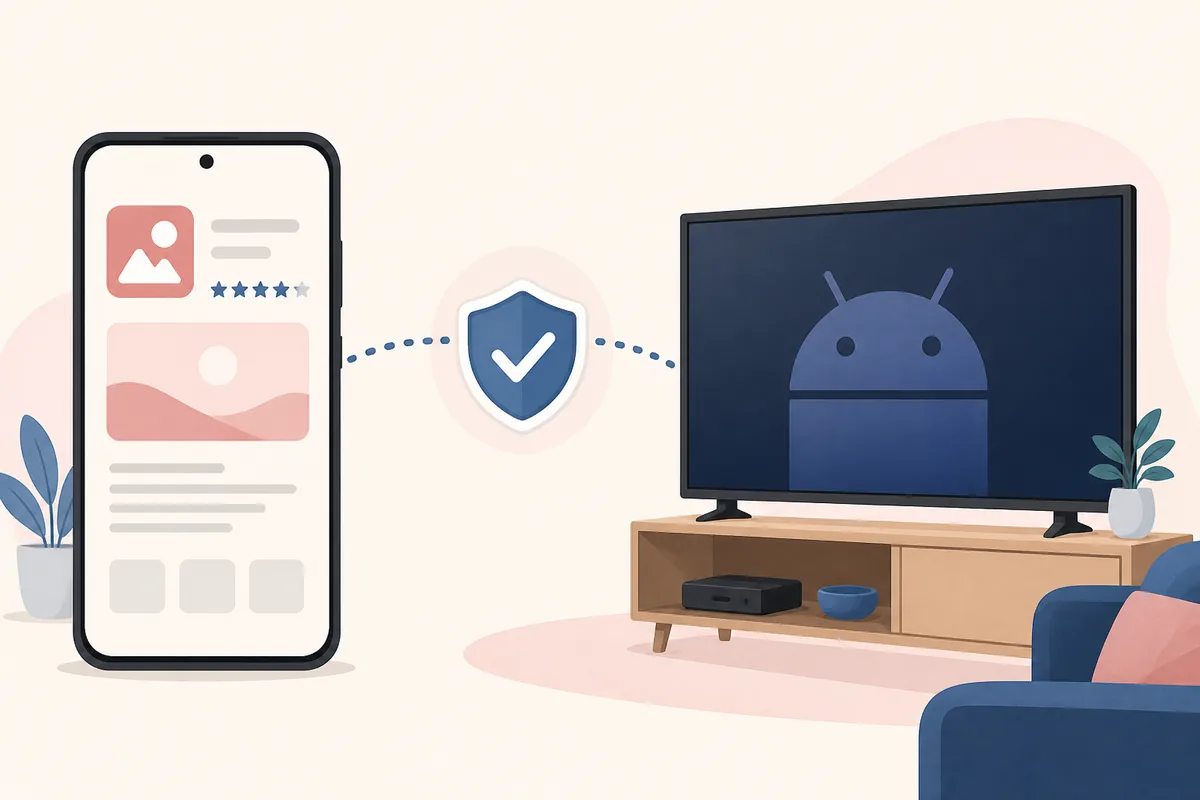
Editorial illustration connecting a phone app listing to an Android TV with a verification shield
Editorial concept illustration for comparing a phone listing with an Android TV device; it is not an official screenshot.
Quick map Check the device, then check the source
Short answer What to check Safe install boundary Android TV vs Fire TV FAQ
Short answer

A phone app listing does not prove Android TV compatibility

The live Google Play source is the right place to check the app identity and the message shown for your device. Treat a missing TV result as an unanswered compatibility question, not as permission to use a random APK.

Guide checkedAugust 22, 2026
Package to comparecom.duloai.dulo
Listing identityDulo AIMovies & Series · publisher shown as REPLENAGISE
Version and file sizeNot exposed as stable public fields; verify the live listing before installing
1 · Separate the signals

Why Dulo TV Android TV searches need a separate answer

The words Android TV can describe a real device-compatibility question, an APK request or a different Dulo-branded service.

When someone searches for Dulo TV Android TV, they may want to know whether the app appears on an Android TV device, whether a phone listing can be installed on a television, or how to move a video app from a familiar website to a TV. Those are not interchangeable questions. The first needs a device-specific store check; the second needs package and platform evidence; the third may refer to a completely different service.

The current guide uses the live Google Play URL already recorded by this site for package com.duloai.dulo. The public listing uses the name Dulo AIMovies & Series and shows publisher REPLENAGISE. Those facts help you identify the listing, but they do not by themselves establish Android TV support. Store availability can vary by device, country, account and platform requirements.

That is why this page does not promise a working Android TV installation. It gives you a repeatable check and a clear stop rule: if the target device cannot show a matching listing or compatibility message, do not fill the gap with a mirror or a guessed latest APK.

  • Phone availability and Android TV availability are different signals.
  • The app name must be checked with the package and publisher, not by icon alone.
  • A direct APK file can be current, altered, incompatible or unrelated; its filename proves none of those things.
  • A different domain or Dulo-branded service is not an automatic replacement for the listing you intended to find.
2 · Live source check

What to check on the live Google Play page

Use the store listing as an identity reference, then confirm what it says about your actual Android TV device.

Start by opening the live Google Play source rather than a cached APK page. Compare the visible app name, package identity and publisher with the guide you are reading. In this project, the package used for the source link is com.duloai.dulo. If a page gives you a different package, a different publisher or only a shortened download URL, treat it as a different candidate until a first-party explanation connects the two.

Next, look for the device-specific result. Google Play may show an install action, a compatibility message, a notice that the app is unavailable for the device, or a region/account limitation. The exact wording can change. Read the message while signed in to the account and device context that you actually plan to use; do not copy a phone result and assume the same result will appear on Android TV.

Finally, check the listing details that help you reject a mismatch: app name, publisher, package, data-safety information, permissions, update information and supported-device language. The public page checked for this guide did not expose a stable version number or file-size field, so the guide does not invent one or label a mirror as the latest download.

Signal What to compare Safe interpretation
App identity Name, package and publisher A match supports identity; it does not prove every device is supported.
Device message The result shown for your Android TV This is the relevant compatibility signal for the target device.
Update details Live listing date and current store information Details can change; reread the live page before installing.
Download URL Official store page versus mirror or shortened link Use the store page fallback when no verified direct file exists.
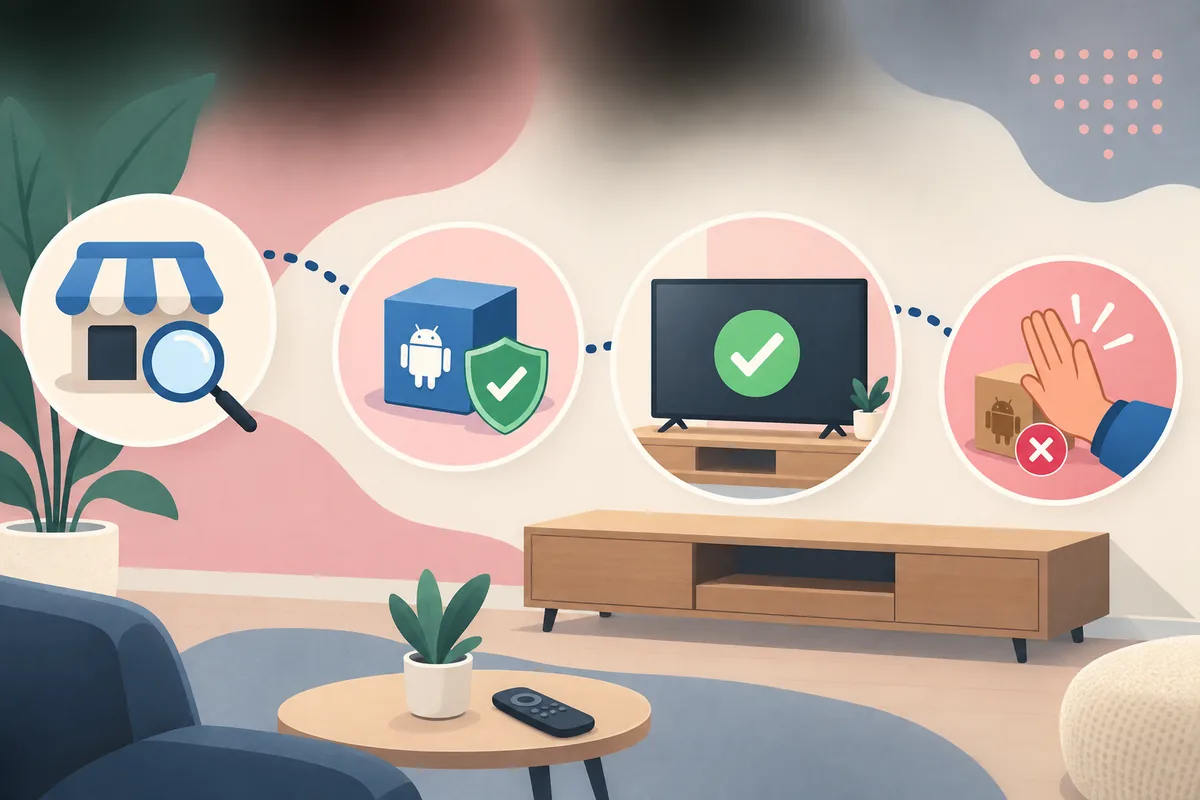
Editorial concept showing store verification, package identity, TV compatibility and stopping an unverified download
A conceptual four-part checking flow; it is not a live Google Play or Android TV interface.
3 · Installation boundary

Why an APK download is not an Android TV compatibility test

A file can install and still be the wrong app, the wrong architecture, an old build or an unsafe modification.

APK tutorials often make the process look simple: download a file, enable a setting and open the installer. That sequence answers only the mechanical question of how to load a package. It does not prove that the package belongs to the publisher you intended, that it supports the TV interface, that it can connect to the service, or that it has not been modified since the original release.

For an Android TV search, keep the source decision ahead of the installer. If the live store page says the app is unavailable, do not treat a mirror as an official workaround. If the package name differs, stop. If a page pressures you to disable Play Protect, install a mod, use a shortened link or accept an unknown certificate, stop again. Those are reasons to verify more carefully, not reasons to lower the safety bar.

When a verified direct file is not available, this site uses the official Google Play page as the download destination. That is a fallback to a source page, not a claim that the app is guaranteed to work on Android TV. It also keeps version, size and release information at the live source instead of freezing an unverified number into the article.

  1. Open the source first. Use the live Google Play listing and keep the package and publisher visible.
  2. Check the target device. Read the Android TV-specific availability or compatibility message, not only the phone install result.
  3. Reject mismatches. Stop when the name, package, publisher, certificate or download origin cannot be matched.
  4. Use a page fallback. If no verified file is published, return to the official store page instead of choosing a mirror.
Editorial concept comparing Android TV and Fire TV as separate device compatibility checks
Android TV and Fire TV are shown as separate checks; the illustration is not an official device screenshot.
4 · Choose the right guide

Android TV vs Fire TV: which question are you asking?

Both are television platforms, but a compatibility result for one is not proof for the other.

Android TV questions usually begin with the Google Play device result: is the app visible for this television, can it be installed from the store, and does the listing describe a TV-compatible experience? Fire TV questions may involve a separate store, a streaming stick, or a sideloading workflow. The user interface, package path and distribution rules can differ even when the television looks similar from a distance.

Use this Android TV guide when you need to interpret a device-specific store result or decide whether a phone app listing is enough evidence. Use the existing Fire TV guide when the question is specifically about Fire TV compatibility and the risks of sideloading. Use the status guide when the main problem is that dulo.tv or a service endpoint is unavailable.

  • Keep Android TV and Fire TV as separate device targets.
  • Use the source page that matches the platform you own.
  • Return to the live listing after an update, region change or device change.
  • Treat a familiar name, icon or screenshot as a clue, not ownership evidence.
Question Best starting page Do not assume
Does the app appear for my Android TV? This Android TV compatibility guide A phone result proves TV support.
Can I use it on Fire TV? Dulo TV Fire TV guide An Android TV listing transfers to Fire TV.
Is Dulo.tv down? Dulo TV status guide A domain problem proves an app or TV problem.
Where is the app source? Main Dulo TV Android app guide A mirror is the official download.
5 · Final decision

What to do when Dulo TV is not listed for Android TV

A missing listing is an answer about current availability, not an invitation to install an unknown file.

Record the exact device, country, account and date of the check. Try the live source again later if the store appears to be unavailable, and look for a first-party publisher announcement if one exists. Do not use a different domain, APK mirror or “latest” page to fill an evidence gap without a verified relationship.

If the app is listed but cannot install, separate compatibility, region, account and network problems before changing the package. If it installs but does not open or load content, treat that as an app/service issue rather than proof that a second download is official. The same package and publisher check should remain in place at every step.

For a reader deciding whether to continue, the practical stop rule is short: no matching source, no verified device message, or pressure to bypass security means do not install. Return to the official page when the source becomes verifiable.

  • Write down the device model and the exact store message.
  • Keep the official source URL instead of a temporary signed file link.
  • Do not disable Play Protect or accept an unknown certificate to force a test.
  • Recheck the live listing before relying on an update date, version or file size.
FAQ

Dulo TV Android TV questions

These answers keep device compatibility, app identity and APK safety separate.

Does Dulo TV work on Android TV?

A phone listing does not prove Android TV support. Open the live Google Play source for the target device and read the device-specific availability or compatibility message before installing.

What package should I compare?

The source used by this guide is tied to package com.duloai.dulo. Compare the package, visible app name and publisher together; do not rely on a copied icon or filename.

Can I download a Dulo TV APK for Android TV?

This site does not host or verify a direct APK file. When no stable first-party file is available, use the official Google Play page as the source-page fallback and do not treat a mirror as official.

Is Android TV the same as Fire TV for this app?

No. Android TV and Fire TV have different device and distribution contexts. Use the Android TV guide for Google Play device checks and the Fire TV guide for Fire TV-specific questions.

Why does the listing show a phone app name?

The live listing may describe the app in a phone-first way even when a reader is searching from a TV. That wording is a reason to check the target device, not proof that the app is TV-compatible.

What if an APK page asks me to disable security?

Leave the page and do not install the file. A request to bypass device protection is a warning, especially when the publisher, package or download origin cannot be matched to the live source.

Source boundary

Use a live listing, not a guessed APK

The Google Play page is an external source and can change by country, account or device. Review the live package, publisher and compatibility message before installing.

Open the current Google Play listing
Next step

Check the device before you choose the file

If Android TV support is not verified, keep the uncertainty visible and return to the live source instead of trusting a mirror, copied screenshot or forced installer.

Open the source-check guide
Dulo TV Android TVAndroid TV compatibilityApp verificationAPK safety