Dulo TV guide logo Dulo TVsource-first app guide
English
Device compatibility guide

Dulo TV on Firestick: What to Check Before Installing

A phone app listing does not prove that Dulo TV works on Fire TV. Use the live store message, package identity and source checks before you install anything.

Fire TV support Package and publisher No unverified APK
Editorial illustration of a phone, television and shield connected by a verification path
Concept illustration for checking a phone listing against a TV device; it is not an official Fire TV screenshot.
Quick map Check the right signal
Short answer Phone vs TV Safe checklist Device signals APK boundary FAQ
Short answer

Does Dulo TV work on Firestick?

There is no verified Fire TV support claim in the live Google Play listing checked on August 16, 2026. Treat the device as unconfirmed until the store or publisher shows a device-specific signal.

Live sourceGoogle Play package com.duloai.dulo
Store nameDulo AIMovies & Series
Publisher shownREPLENAGISE
Latest visible updateJune 15, 2026
Version and file sizeNot exposed; see live listing
Fire TV conclusionNot verified; do not sideload a mirror
1 · Separate the signals

A phone listing is not a Fire TV compatibility result

A listing can be visible on an Android phone and still be unavailable on a television device.

The phrase “Dulo TV on Firestick” mixes at least three questions: whether a website loads in a TV browser, whether an Android app is offered for that device, and whether a file found in a tutorial is authentic. Those questions need different evidence.

The live Google Play page checked for this guide shows the package com.duloai.dulo, the name Dulo AIMovies & Series and the publisher REPLENAGISE. It does not give this page a verified Fire TV installation result. The listing also says it is not the official Dulo app, website, APK or licensed catalog, so the identity must remain separate from the old dulo.tv search term.

Use the existing app screenshot as context only. A phone screen can show what an app looked like at one moment, but it cannot prove current availability, publisher ownership, TV optimization or support for a particular Fire TV model.

  • A phone listing can be real while the TV version is unavailable.
  • A browser page can load without a native TV app being supported.
  • A sideload tutorial can work technically without proving the file is current or authentic.
  • A familiar logo is not a package, publisher or compatibility check.
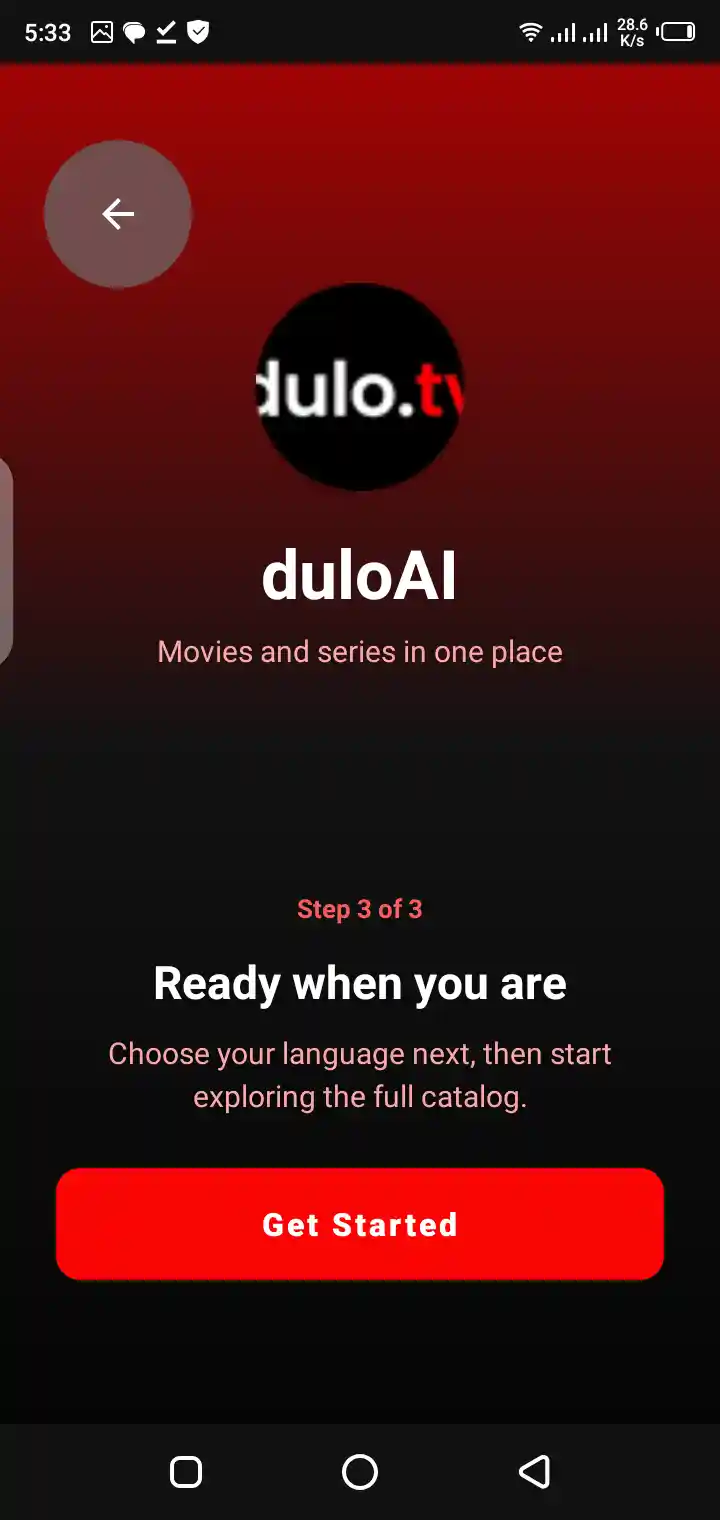
Mobile onboarding screen from the repository shown as app identity context
Repository screenshot for identity context only; it does not confirm Android TV or Fire TV support.
2 · Before you install

How to check Dulo TV on Firestick safely

Use a short source-first sequence. If one step fails, stop instead of lowering the bar for an APK mirror.

The goal is not to force an installation. The goal is to find out whether the exact app, package and publisher are available for the device you actually own. A missing Fire TV result is useful information, not a problem to solve with a random download button.

Keep the live listing open while you compare the app name, package and publisher. Store details can change by country, device and time, so this page records the check date rather than claiming a permanent compatibility result.

  1. Open the live source. Start with the Google Play listing for package com.duloai.dulo instead of a shortened link or mirror.
  2. Read the device message. Check whether the store identifies the Fire TV or Android TV device as supported, unavailable or incompatible.
  3. Match the identity. Compare Dulo AIMovies & Series, publisher REPLENAGISE and package com.duloai.dulo before you consider an install.
  4. Separate browser access. If a website loads in a TV browser, do not describe that as native Fire TV app support.
  5. Stop at an unverified APK. Do not install a file when the package, publisher, release source or device fit cannot be verified.
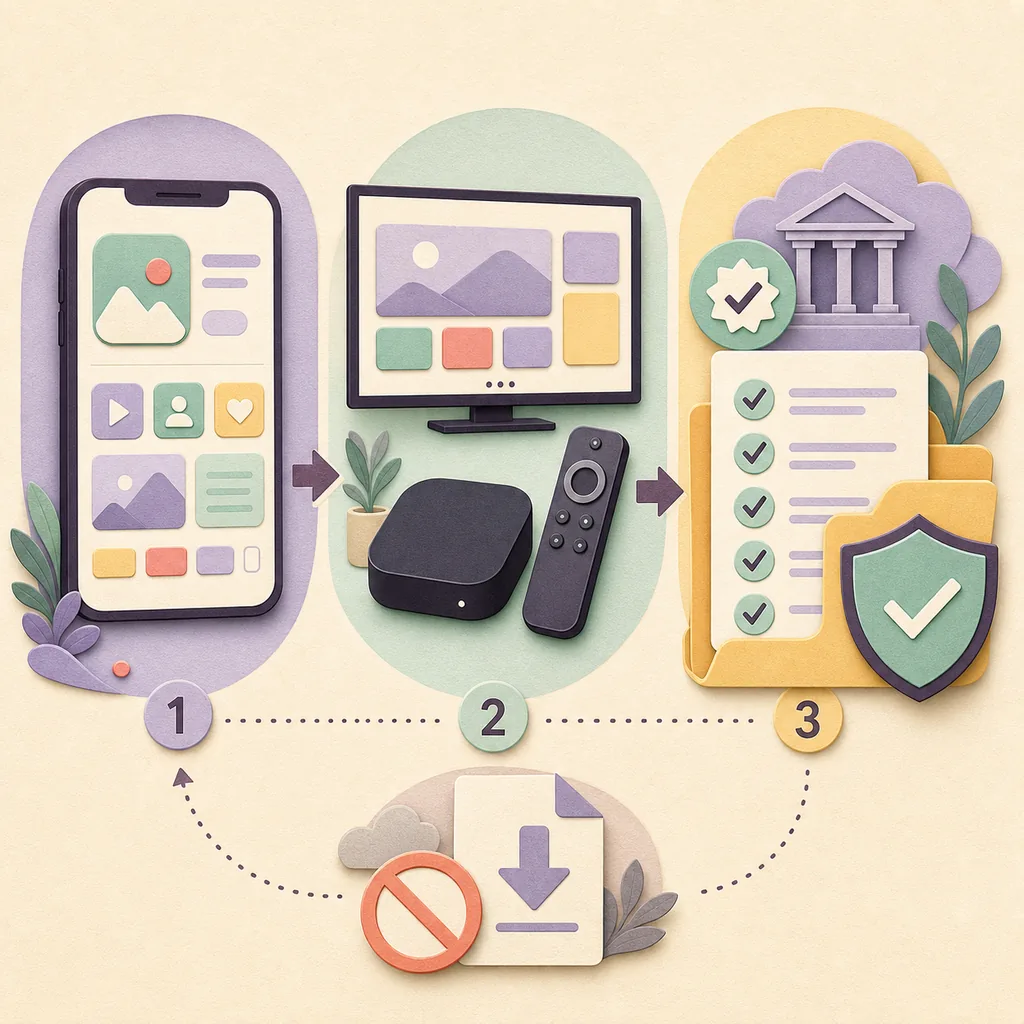
Concept illustration showing phone, TV device and verified source checks with an unverified download blocked
Editorial compatibility workflow; it is a concept diagram, not a live store or Fire TV interface.
3 · Read the device signal

What to compare on phone, Android TV and Fire TV

The same app name can appear in several contexts. Record the signal you actually observed instead of upgrading it into a stronger claim.

A device-specific store message is stronger than a copied screenshot, but it still describes availability at that moment. Country restrictions, account settings, model support and app updates can change the result.

For this reason, the page uses “not verified” when the checked source does not show a Fire TV result. That wording is more accurate than promising that a phone listing will install on every Firestick or Android TV device.

Observed signal What it can show What it cannot prove
Phone store listing The package and publisher shown for a phone context Fire TV support or TV-optimized controls
Android TV message Whether the store recognizes a compatible TV device That every Fire TV model has the same result
Fire TV browser page That a web address responds in a browser That a native app or official TV release exists
Third-party APK tutorial That someone describes a sideload sequence Authenticity, update status or publisher ownership
Live publisher announcement A first-party compatibility or release statement That an unrelated mirror is safe to install
4 · APK boundary

Why a Firestick APK tutorial is not proof

Installation steps can be technically correct and still point to the wrong app, an old build or an unverified file.

Search results for Dulo TV include app, APK, outage, subtitle and device wording. Similarweb’s related and question tabs show why those phrases should not be collapsed into one download page. A keyword can describe what a person wants without proving that a safe, current file exists.

This site does not host APKs or link to third-party download mirrors. It also does not turn the Google Play listing into a claim that the listed app is the official Dulo app. Keep the package and publisher visible, and stop when a page tries to replace those checks with a large install button.

  • Do not treat “latest APK” as a verified release source.
  • Do not install a modified package to work around a missing store result.
  • Do not disable device security to follow a generic Firestick tutorial.
  • Do not call a browser shortcut or sideloaded file an official TV app.
5 · When the app is missing

What to do when Dulo TV is unavailable on Fire TV

Use the smallest next step that answers the specific failure, and keep the uncertainty visible.

If the store says the app is unavailable for the device, record that exact message and check the live listing again after an update or account change. Do not jump to an APK mirror simply because the phone version appears in search results.

If a website works in the browser but the app is unavailable, describe the two experiences separately. If the app opens but content does not load, separate account, network, region and service issues before changing the package.

If a page claims that Dulo TV moved to another domain or app, look for a first-party connection. Similar names, copied screenshots and search ranking are not ownership evidence.

  • Record the device, country and exact store message.
  • Compare the app name, package and publisher again after changes.
  • Return to the live source instead of trusting a cached APK page.
  • Use “not verified” when the evidence cannot answer the compatibility question.
FAQ

Dulo TV Firestick questions

These answers keep device compatibility, app identity and APK safety separate.

Does Dulo TV work on Firestick?

Fire TV support is not verified by the live Google Play listing checked on August 16, 2026. Check the device-specific store message and do not treat a phone listing or tutorial as proof.

Can I install the Dulo TV APK on Fire TV?

This guide does not provide an APK or mirror. Only consider an installation when the live source, package, publisher and device compatibility can be matched; otherwise leave the file uninstalled.

Does a phone app listing prove Android TV support?

No. A phone listing can identify a package without showing TV optimization or Fire TV availability. Read the device-specific message instead.

What app identity should I compare?

The checked Google Play page shows Dulo AIMovies & Series, publisher REPLENAGISE and package com.duloai.dulo. Store details can change, so compare the live listing when you check.

What if a Firestick tutorial asks me to disable security?

Stop and do not install the file. A request to bypass device protection is a warning, especially when the publisher, package or release source cannot be verified.

Does this page provide a direct download?

No. DuloTV.wiki does not host APK files or promote third-party mirrors. It links to the live Google Play source and explains how to verify device compatibility.

What if Dulo TV works in a TV browser?

A browser page is not the same as a native Fire TV app. Keep the browser result, store result and package identity as separate signals.

Source boundary

Use a live listing, not a guessed file

The Google Play page is an external source and may change by country, device or availability. Review the live app identity before installing.

Next step

Check the device signal, then decide

If Fire TV support is not shown, keep the result unverified. A cautious answer is better than a confident mirror link or an unsupported installation claim.

Back to the top
Dulo TV FirestickFire TV compatibilityApp verificationAPK safety