Dulo TV guide logo Dulo TVsource-first app guide
English
Dulo TV status check

Is Dulo TV Down? What Happened to Dulo.tv and How to Verify the App

If you searched for “is Dulo TV down?” or “what happened to Dulo.tv?”, start with the careful answer: the old domain and every Dulo-branded app listing are not automatically the same service. On August 10, 2026, this guide could not verify a usable response from dulo.tv. That is an availability signal, not proof of a permanent shutdown or a verified replacement.

Checked August 10, 2026 No APK mirror links Compare package and publisher
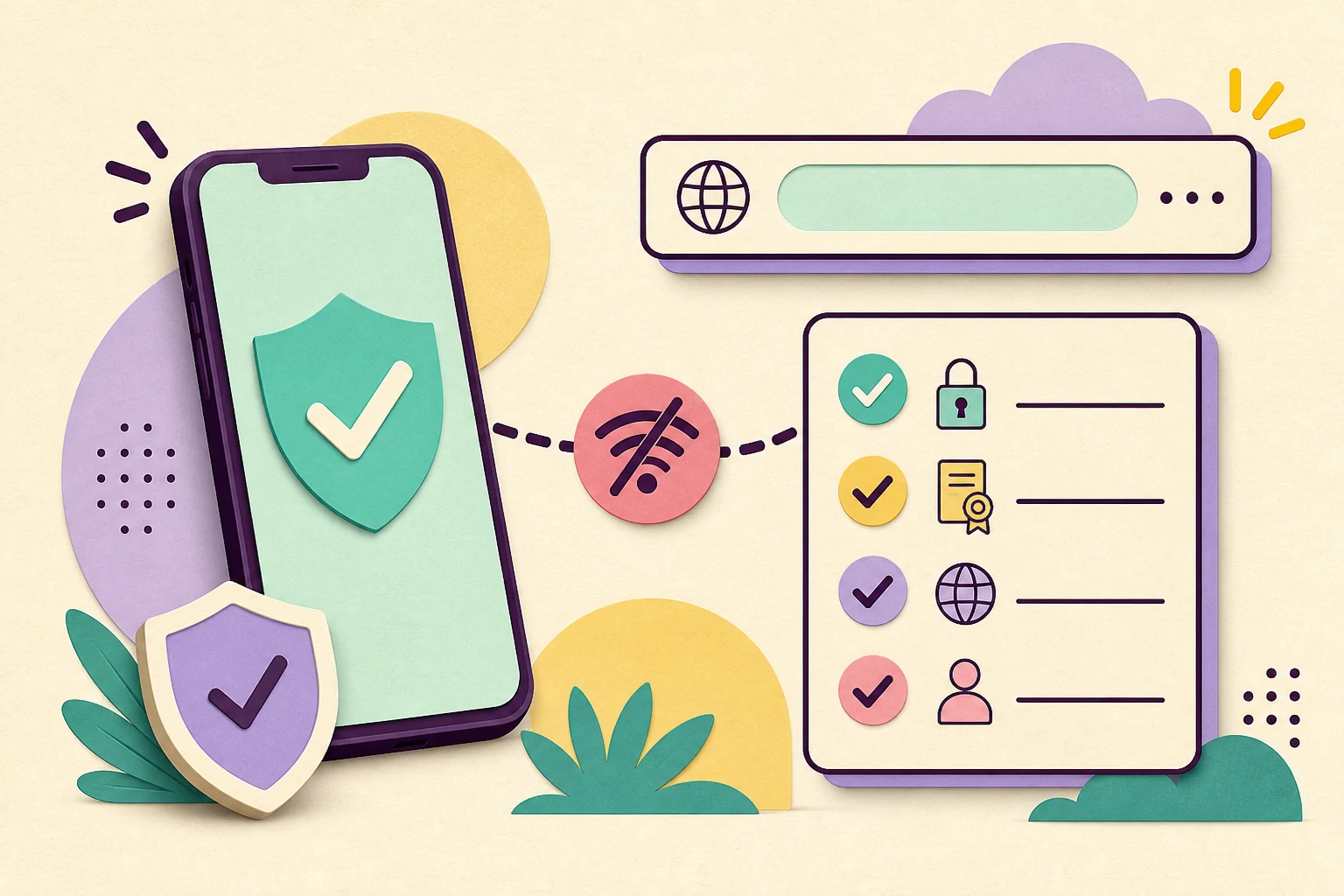
Editorial illustration of a phone, a broken connection symbol and a safety checklist for checking an app source
Editorial illustration, not a live Dulo TV or Google Play screen.
Quick route Answer first, then verify the identity
What “down” can mean What we checked Safe app check Why results conflict FAQ
Quick answer

The old Dulo.tv address was not independently reachable in our check

A status page should separate what was observed from what is only assumed. The table below records the useful boundary for this guide.

Check dateAugust 10, 2026
Dulo.tv signalThe old domain did not return a usable response in our direct check.
What that provesIt is an availability signal, not proof of a permanent shutdown.
APK positionNo verified direct APK file is provided here; use a live store listing only after matching identity.
1 · Define the problem

What does “Dulo TV is down” actually mean?

The status query can describe several different failures, and each one needs a different check.

A domain outage means a web address cannot be resolved or does not return a page. An app outage is different: the store listing may still exist while the app cannot connect, authenticate or load its catalogue. A device problem can look identical when the phone, TV, browser or network blocks the request.

The phrase “Dulo TV” also appears beside several spellings and product labels. People may be looking for the old dulo.tv website, an Android app, an APK file, a TV-compatible installation, or a page that explains a previous service. A matching word is not enough evidence that the result is the same publisher.

For that reason, this article answers the status question without inventing an outage timeline. It records the check date, explains what can be compared, and gives you a stop rule for unverified mirrors.

  • Domain problem: the address does not resolve, redirects unexpectedly or returns an error.
  • Store problem: the app listing is unavailable, region-limited or different from the expected package.
  • App problem: the app opens but cannot connect, sign in or load content.
  • Device problem: the service works elsewhere but not on your browser, Android TV, Fire TV or network.
2 · Current check

What we could verify on August 10, 2026

We checked the source surfaces that matter for a safe answer, while keeping unavailable responses separate from confirmed facts.

The direct check for dulo.tv did not produce a usable page response in this environment. That supports the wording “not independently reachable at the time of the check.” It does not tell us whether the owner moved the service, changed DNS, restricted access, or permanently closed the site.

The site’s existing guide points visitors to a Google Play source for the Android app identity. A store page, package name and publisher should be checked together. A different Dulo-branded listing, a new domain or a download mirror should not be treated as an update unless the relationship is verified by a first-party source.

No stable, verified APK file address is used in this article. That keeps the page useful for status and safety intent without turning an uncertain search result into a download recommendation.

Surface Observed signal How to interpret it
Old domain No usable response in the direct check Availability signal only; do not infer a permanent closure.
Google Play source Use the live listing as the identity reference Compare the name, package, publisher, permissions and device message.
Search result domains Several Dulo spellings and third-party pages appear A result is not automatically an official replacement.
APK mirrors No verified file is linked here Do not install when publisher or package identity cannot be matched.
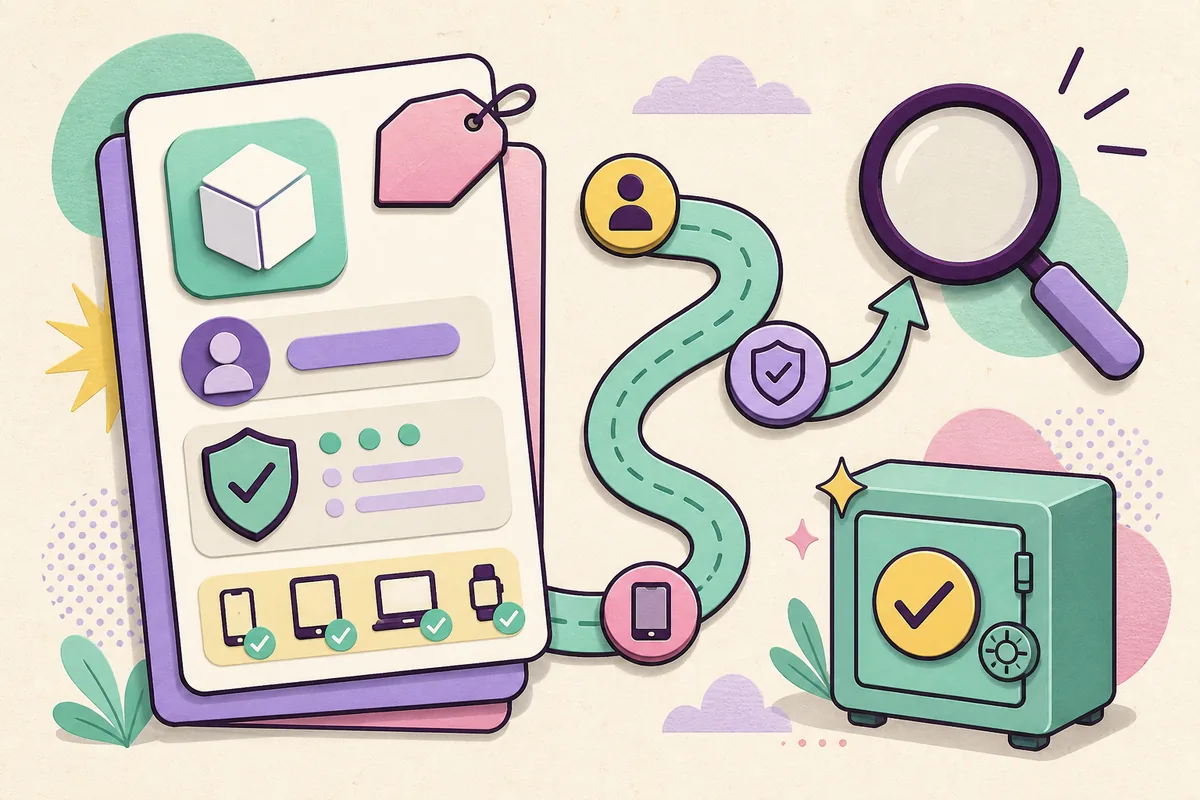
Editorial illustration of an app identity card, package marker, device compatibility checks and a magnifying glass
Editorial illustration of the identity checks to compare; it is not a live store screenshot.
3 · Five-minute check

How to check Dulo TV without installing a risky APK

When a status search turns into a download search, slow down and verify the source before you open an installer.

The safest path is to begin with a page that explains the app identity, then open the store source yourself. Keep the package and publisher visible while you compare the listing. If a download page hides those details or says you must disable security controls, it is not a safer answer just because the button is prominent.

  1. Start with a verifiable guide. Use the Dulo TV Android app guide on this site to understand which listing and package the page is discussing.
  2. Open the live store source. Check the listing name, package identity, publisher, permissions, data-safety section, reviews and supported-device message.
  3. Compare before installing. Stop when the app name, package or publisher differs from the source you intended to find.
  4. Check device fit. Phone availability does not prove Android TV or Fire TV compatibility; read the device-specific message.
  5. Reject unverified mirrors. Do not switch to a mod APK, shortened link or forced installer to bypass a missing listing.
Existing Dulo app onboarding screenshot shown as context for checking an app identity
Repository screenshot shown for context only; an old image does not confirm current availability, publisher or version.
4 · Search intent

Why Dulo TV search results are confusing

Similarweb’s keyword data shows that one seed expands into navigation, app, APK, outage and device questions. Those are related words, not one identical page intent.

The highest-volume terms such as “dulo tv”, “dulo.tv” and “dulotv” are navigational. They should lead to the main identity guide or a verified first-party destination, not to a new article that repeats the homepage. The app and APK variants also belong in the main guide’s source-check and FAQ coverage unless a separate, verified product exists.

The status cluster is different. “is dulo tv down”, “dulo.tv down”, “dulo.tv not working” and “what happened to dulo.tv” ask for an explanation of availability and next steps. That is the distinct intent this page serves.

Some related-keyword rows are obvious noise, including unrelated entertainment brands or generic sites. A keyword is not publishable merely because it appears in a related tab; it must match the site’s evidence, safe scope and the reader’s decision.

Search wording Intent Page decision
dulo tv / dulo.tv / dulotv Navigational Keep on the homepage identity guide.
dulo tv app / dulo tv apk App or download navigation Support the homepage and safety FAQ; do not link an unverified file.
is dulo tv down / dulo.tv down Status and outage Use this new status guide as the primary page.
what happened to dulo.tv Question about change or availability Use this guide’s explanation and FAQ.
dulo tv firestick Device compatibility Keep as a device FAQ unless verified demand grows.
5 · Device check

Can you use Dulo TV on Android TV or Fire TV?

A status problem and a device-compatibility problem can overlap, but one does not prove the other.

A phone app can be available while a TV device is unsupported, region-limited or missing from the store. Conversely, an app can open on a TV and still fail because the service endpoint, account flow or network request is unavailable.

Treat Fire TV installation tutorials with extra care when they ask you to sideload an APK. A tutorial may explain a technical action without proving that the file is current, authentic or compatible with the intended app.

The practical check is simple: open the live store source on the device or in the device-specific store view, read the compatibility message, and compare the same publisher and package. If those details cannot be matched, leave the app uninstalled.

  • Do not infer TV support from a phone screenshot.
  • Do not infer authenticity from a familiar icon or copied app name.
  • Do not treat a third-party Fire TV tutorial as a first-party release note.
  • Prefer a verified store page or an official publisher announcement.
6 · Decision

What to do if Dulo TV still does not work

Use the smallest next step that can answer your specific failure, and keep uncertainty visible.

If only the old domain fails, record the date and test again later without installing a new file. If the store listing is missing, check the publisher’s official channels rather than a mirror. If the app opens but content does not load, separate account, network, region and service issues before changing the package.

If a page claims to be a replacement, look for a first-party explanation that connects the old identity to the new one. A similar name, copied screenshot or high search ranking is not enough. The same rule applies to “mod APK”, “latest APK” and “Firestick downloader” pages.

Until the identity is confirmed, the correct outcome can be “not verified.” That is more useful than a confident download link that sends the reader to an unrelated or unsafe file.

  • Keep the old and new domain names separate in your notes.
  • Record the exact app name, package name and publisher shown by the store.
  • Avoid installers that pressure you to disable Play Protect or device security.
  • Return to the live source after an update instead of trusting a cached APK page.
FAQ

Dulo TV status questions

These answers keep the status, app identity and download-safety questions separate.

Is Dulo TV down right now?

In the check recorded on August 10, 2026, dulo.tv did not return a usable response in this environment. That is evidence of an availability problem at the time of the check, not proof of a permanent shutdown.

What happened to Dulo.tv?

The current check cannot verify why the old domain was unavailable. It may involve DNS, hosting, access, a moved service or a permanent closure. Do not treat a third-party replacement claim as confirmed without a first-party connection.

Is there an official Dulo TV APK download?

This guide does not provide a direct APK file or mirror. Use a live Google Play listing only when the app name, package identity, publisher and device details match the source you intended to find.

Is Dulo TV the same as every Dulo-branded app?

No conclusion should be made from the word Dulo alone. Compare the exact package name, publisher, source domain, permissions and store information before treating two listings as the same app.

Can I install Dulo TV on Fire TV?

A phone listing or tutorial does not prove Fire TV support. Check the live store’s device message and avoid sideloading when the package or publisher cannot be verified.

Why does a Dulo TV search show different domains?

The query can refer to a former website, an app listing, a new or unrelated domain, a streaming page or an APK mirror. Search relevance is not ownership evidence, so verify the identity before opening an installer.

What should I do if an APK page asks me to disable security?

Leave the page and do not install the file. A request to bypass device protection is a safety warning, especially when the publisher and package cannot be matched to a live first-party listing.

Source boundary

Use a live listing, not a guessed file

The Google Play link is an external source and may change by country, device or availability. Review the live publisher and package details before installing.

Open the current Google Play source
Next step

Start with identity, then decide

If the old domain is unavailable, keep the uncertainty visible. Compare the live app source before you trust a new domain, APK page or device tutorial.

Open the source-check guide
Dulo TV statusDulo.tv not workingApp verificationAPK safety